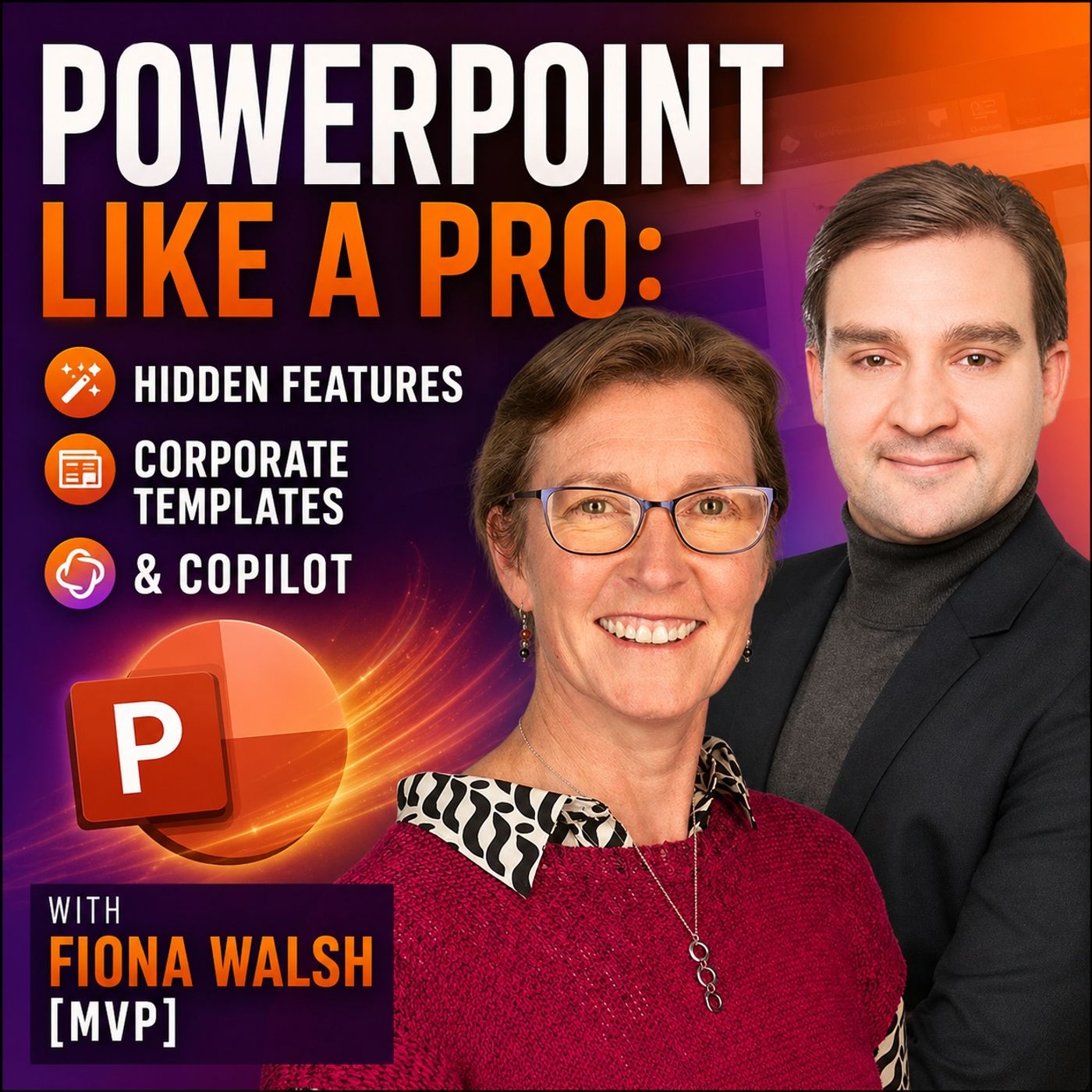
PowerPoint Like a Pro- Hidden Features, Corporate Templates & Copilot with Fiona Walsh [MVP]
Mirko Peters - Founder of m365.fm, m365.show an... · 62:21 · 7,074 plays
From the album M365.FM - Modern work, security, and productivity with Microsoft 365
Description
PowerPoint is one of the most widely used business applications in the world — but many professionals are only scratching the surface of what it can actually do.In this episode of the M365 FM Podcast, Mirko Peters talks with Microsoft PowerPoint MVP Fiona Walsh about the PowerPoint features that experienced users still overlook, how organizations can build better corporate templates, and where Microsoft Copilot genuinely helps — and where it still has work to do.Fiona brings more than 20 years of experience helping organizations improve presentations and presentation skills. Her central point is simple: many PowerPoint problems aren't caused by PowerPoint itself. They're caused by people using the same type of deck for completely different purposes. A presentation designed to be read as a PDF should not look the same as slides supporting a speaker on stage.ㅤㅤPOWERPOINT FEATURES YOU'RE PROBABLY NOT USINGSome of PowerPoint's most valuable capabilities aren't new at all. Fiona explains why even experienced users regularly miss features that have existed for years and how understanding the fundamentals can dramatically speed up everyday presentation work.The conversation dives into alignment and distribution tools, grouping, the Selection Pane, object layers, and practical ways to understand complex slides created by someone else. Fiona explains why the Selection Pane in particular can become indispensable when dealing with layered objects, grouped elements, maps, diagrams, and complicated corporate slides.ㅤㅤBUILDING CORPORATE POWERPOINT TEMPLATES THAT ACTUALLY WORKA corporate template shouldn't simply enforce brand colors and logos. It should make it easier for employees to create good presentations.Fiona discusses why the Slide Master and available layouts form the foundation of an effective corporate PowerPoint environment. Templates need enough flexibility for different presentation scenarios, including useful title-only layouts, blank layouts and strong image placeholders. Overly restrictive templates often forc
More By Mirko Peters - Founder of m365.fm, m365.show an...
- 1

Dynamics 365 Contact Center - Simply Explained
Mirko Peters - Founder of m365.fm, m365.show an... · 9,637 plays · 20:21
- 2
Beyond Copilot: Building AI That Works in the Real World with Azure AI Foundry and Agentic AI for Frontline Workers with Fergus Kidd [MVP]
Mirko Peters - Founder of m365.fm, m365.show an... · 12,119 plays · 60:28
- 3
Dynamics 365 Customer Insights Journeys - Simply Explained
Mirko Peters - Founder of m365.fm, m365.show an... · 7,454 plays · 20:12
- 4
Microsoft Entra Domain Services - Simply Explained
Mirko Peters - Founder of m365.fm, m365.show an... · 9,057 plays · 18:11
- 5
AlbumM365.FM - Modern work, security, and productivity with Microsoft 365
Mirko Peters - Founder of m365.fm, m365.show an... · 4,164 plays
- 6
Your Copilot Has No Memory — Why RAG Fails and LLM Wiki Fixes It
Mirko Peters - Founder of m365.fm, m365.show an... · 3,092 plays · 54:58
- 7
Power Platform Governance Without Killing Innovation: Security, DLP, Environments & Citizen Development with Michael Roth [MVP]
Mirko Peters - Founder of m365.fm, m365.show an... · 10,497 plays · 63:15
- 8
Microsoft Cloud PKI - Simply Explained
Mirko Peters - Founder of m365.fm, m365.show an... · 9,146 plays · 18:44
- 9
From Demo to Production- Building Enterprise AI Agents That Actually Work with Microsoft Copilot Studio with Elliot Margot [MVP]
Mirko Peters - Founder of m365.fm, m365.show an... · 1,740 plays · 64:55
- 10
Microsoft Entra Connect - Simply Explained
Mirko Peters - Founder of m365.fm, m365.show an... · 9,936 plays · 21:03
You May Also Like
- 1
AlbumRespect Yourself
3,653 plays
- 2
AlbumOrphaned Land Radio
174 plays
- 3
AlbumBlow That Horn
JL Spangler · 2,630 plays
- 4
Albumzuuv
zuuv · 6,847 plays
- 5
AlbumPeter Knight
Peter Knight · 10,469 plays
- 6
AlbumDeutsch Pop 1
GrisuAustria · 5,524 plays
- 7
AlbumDevine Radio
5,785 plays
- 8
AlbumSalt Flower
Joss Moog · 6,726 plays
- 9
AlbumBrandon Rogers
Brandon Rogers · 8,916 plays
- 10
AlbumLate 2 Klass (3 Pack)
IZM400 · 5,045 plays
- 11
Album10kdunkin
10kdunkin · 1,540 plays
- 12
AlbumChonsita
Chonsita · 7,737 plays